Meeting notes to infographic, a recap people actually read
Paste the notes from your meeting. You get a one-page visual with the decisions, the action items, who owns them and the dates, ready to drop into Slack, email or a slide.
Make my first one free- 1 free infographic
- No card needed
- Then pay once, no subscription
A REAL EXAMPLE: THE TEXT, AND WHAT CAME OUT
THE NOTES THAT WERE PASTED
Weekly product sync, Tuesday March 12 (sample notes) Attendees: Maya (product), Daniel (engineering), Priya (design), Tom (support). Decisions: 1. Ship the new onboarding flow on March 25. The old flow is switched off the same day. 2. Pause work on the referral program until the second quarter. 3. Support will add a "report a problem" button to the help page. Action items: - Daniel: finish the email verification fix by March 15. - Priya: deliver final onboarding screens by March 18. - Tom: draft three help articles for the new flow by March 20. - Maya: send the launch announcement to customers on March 25. Open questions: - Do we need a tutorial video for launch? - Who owns the pricing page update? Next meeting: Tuesday March 19, 10:00.
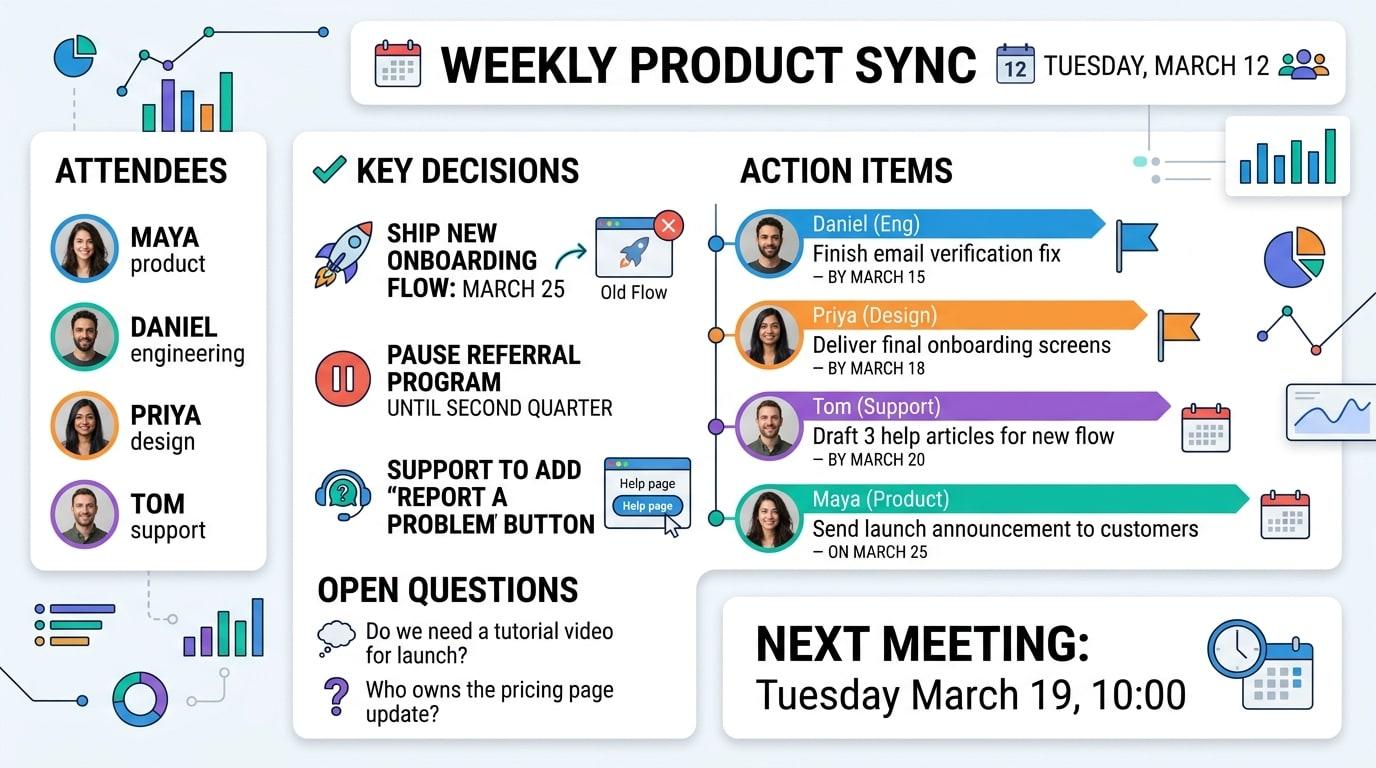
How it works
- 1
Paste your notes
Typed notes, or the summary from your meeting tool. Rough bullet points are fine.
- 2
Choose the look
Corporate and Modern suit recaps. Pick 16:9 for a slide or 4:5 to share in chat.
- 3
Share the PNG
Download the image and post it where your team will see it.
Notes that make a clear recap
- Label the sections: Decisions, Action items, Open questions. The infographic keeps that structure.
- Write each action item as owner, task, date. For example: "Priya: final screens by March 18".
- Keep one meeting per infographic. Two meetings in one image is hard to read.
- Remove anything confidential before you paste: the text is sent to an AI model to draw the image.
What to know before you start
- It does not record or transcribe meetings. You bring the notes or the transcript.
- Very long notes are condensed to their key points, so minor remarks may be left out.
- Names and dates are copied from your text, but check them in the result before sending it to the team.
Questions about meeting notes to infographic
How do I turn meeting notes into an infographic?
Paste the notes into TextToInfographic, choose a style and aspect ratio, and generate. Notes with clear sections for decisions, action items and open questions give the cleanest result.
Can I paste the AI summary from Zoom, Teams, Meet or Otter?
Yes. Any text works, including the summary your meeting tool writes. A summary usually gives a better infographic than a full raw transcript, because it is already organized.
What format should I use to share it?
Use 16:9 if the recap goes into a slide deck, and 4:5 or 1:1 if it is posted in Slack, Teams or email, where taller images are easier to read on a phone.
More ways to use it
Have the text ready?
Your first infographic is free, no card needed. After that, packs start at $6.99 for 5. No subscription.